
Moving from BrightSign Network to BSN.cloud: a six step plan
Lee Dydo · Dydomite
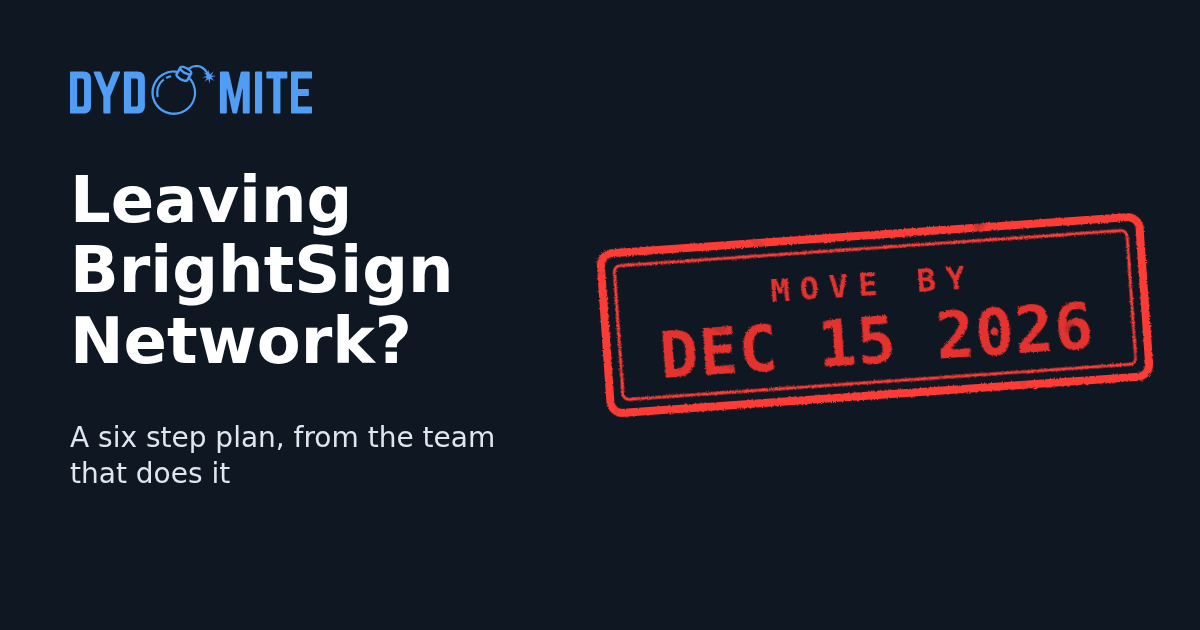
Move by December 15, 2026, when BSN passes end.
If your BrightSign players still run on BrightSign Network, they need to move to BSN.cloud. Start now. The work is not hard, but it is easy to get wrong, and the time goes into testing, not clicking.
We have done this move for clients and automated much of it. Here is the plan we follow.
Step 1: Evaluate your current setup
Not everything works the same in BSN.cloud as it did in BrightSign Network, so plan before you touch a player.
- List every active player that will move.
- Update all players to the latest firmware to avoid compatibility problems.
- Set the right registry values on each player.
- In BrightAuthor, use the Presentation Tree to make a checklist of your old presentations.
- Back up your content and configurations.
Step 2: Create a BSN.cloud account
Create a BSN.cloud Control Cloud account at www.bsn.cloud. This becomes the home for all your content and players. Finish the setup and give your team their roles.
Step 3: Reassign content, presentations and schedules
Do this before you test or move any player, so your test player mirrors the real deployment.
- Upload content and make content folders.
- Recreate or port the presentations you decided to keep.
- Check that scheduling of the new presentations still works. This is the common trap.
- Some advanced behavior needs a custom script, so plan for that.
Step 4: Test with a local player in a lab
Use a player you can touch. Confirm content, presentations, schedules, settings, firmware, registry values and any custom scripts all work. Write down every problem before the wider rollout.
Step 5: Migrate your players
Once the lab test passes, move the rest. Each player should be online. Provision it in BSN.cloud, then assign its content and schedules. Keep local test players handy to check the move as it happens.
Step 6: Document, test and validate
This takes time, so write each step down as you go. You will need it if you hand the job to someone else or call for support.
- Check every player's connection and performance.
- Test every presentation and the new scheduling.
- Confirm the registry values.
- Review reports and diagnostics for errors.
A checklist you can copy
Paper, Monday or Jira, it does not matter. Include: firmware versions on all players, registry values, local player tests, all presentations and schedules documented, scheduling still working, and all migrated players and content tested.
Mistakes to avoid
- Skipping the backup.
- Leaving old firmware on players.
- Not testing presentations after the move.
- Forgetting to update or document registry values.
- Not checking that scheduling still works.
Prefer a different CMS?
Some businesses want a CMS other than BSN.cloud. There are hundreds, each with its own tradeoffs. If you want help choosing, we can help with that too.
Or book a consultation directly. We are Dydomite, in Raleigh, NC.
Published November 19, 2026